Beta features
Overview
Beta features give your organization early access to new StackGuardian functionality before it reaches general availability. Features in this program can change or be discontinued.
important
Only organization admins can enable or disable beta features.
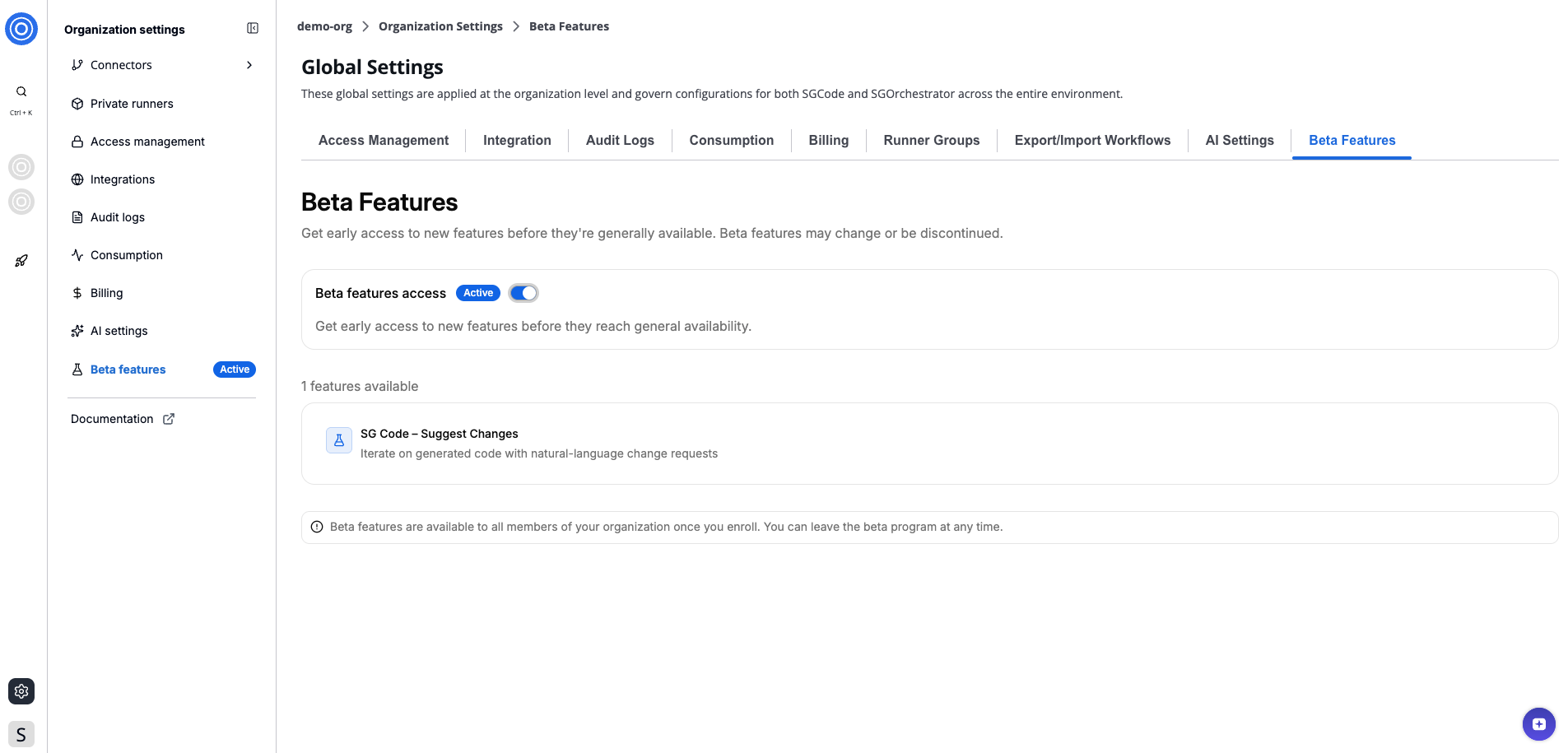
Beta features
Enable or disable beta features
- Go to Organization settings > Beta features.
- Under Beta features access, toggle the switch on or off.
When enabled, the status badge updates to Active and all members of your organization get access to beta features. When disabled, the badge updates to Inactive and access is removed for all members.
Available beta features
The features available section lists all beta features available.
Features enrolled in the beta program are marked with a badge both in the list and directly on the feature itself within the platform.