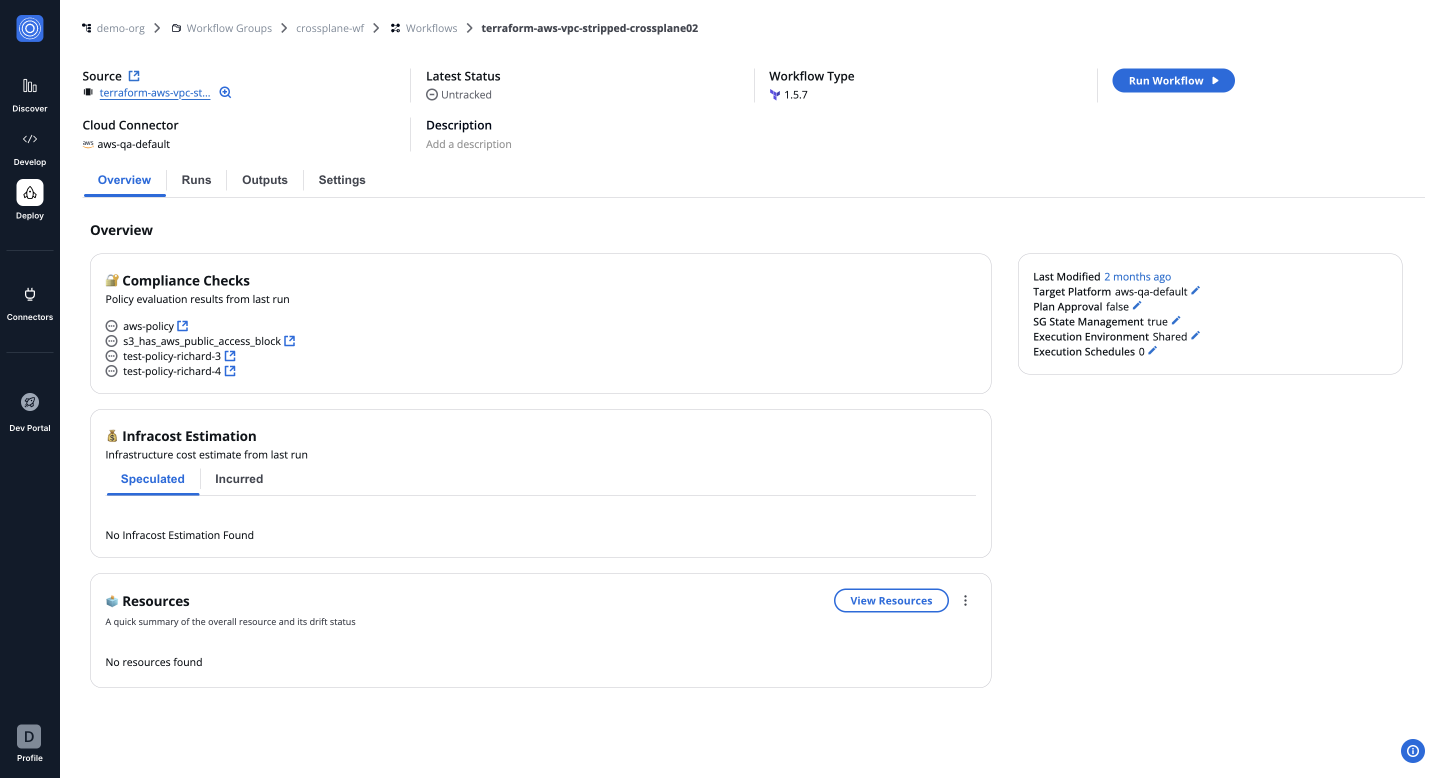
JSON
Using Workflow as Code
The Workflow as Code feature allows users to create workflows by importing or pasting JSON definitions, enabling flexibility and efficiency in workflow creation.
Step 1: Initiate a New Workflow
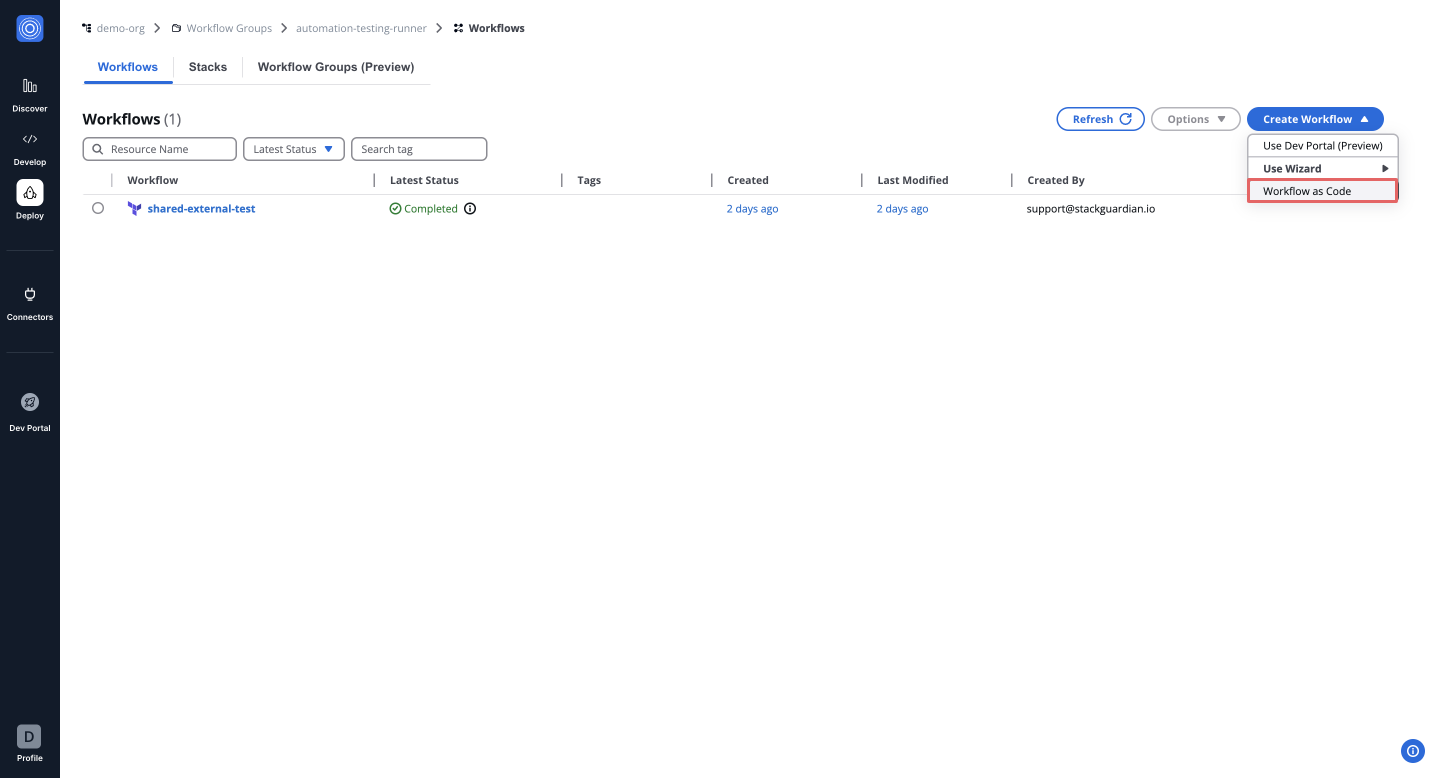
- Navigate inside the desired Workflow Group and click Create Workflow.
- Select Workflow as Code from the creation options.
Step 2: Provide Workflow Configuration
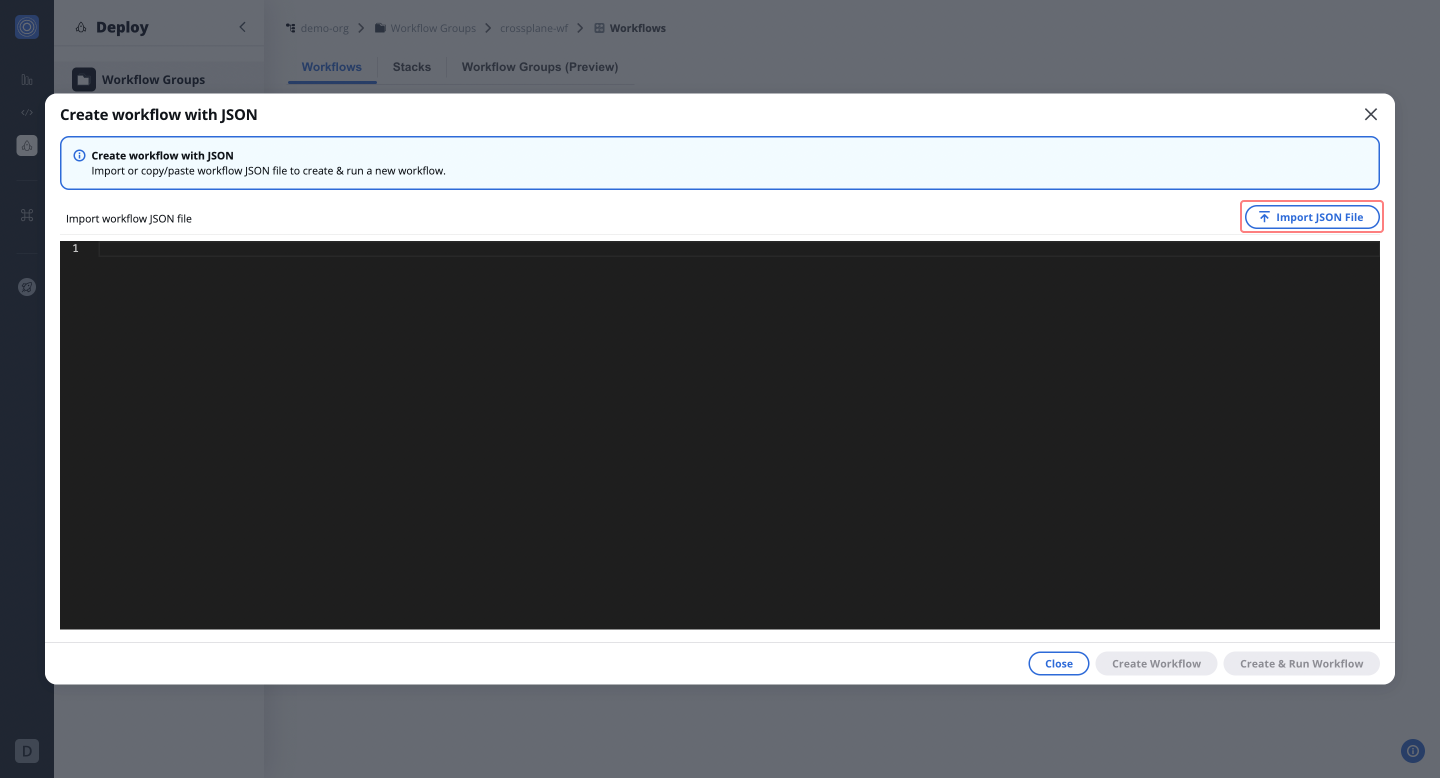
- Import a JSON file or paste the workflow configuration directly in key-value pairs.
Step 3: Launch the Workflow
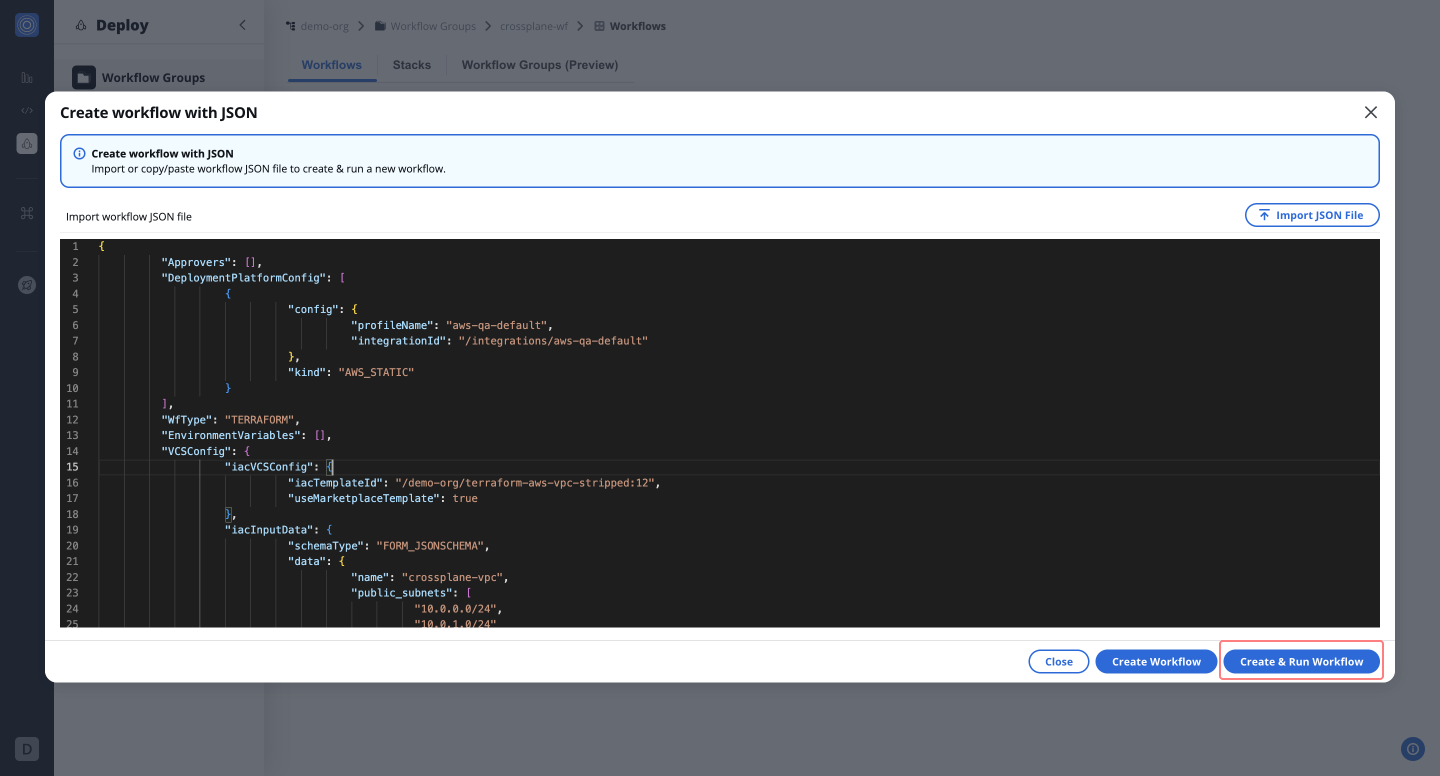
- Once the configuration is complete, click Create & Run Workflow to execute the workflow.